
Name-Based Logan County Case Searches
Start at Kansas CaseSearch for Logan County District Court matters. Accept the terms and finish the human check. Pick District as the court level, select Logan County, and type in a party name. The search menu offers Party Name, Business Name, and Party As Business Name as separate choices. The difference is real. A company sued under its own name goes in the business field. A person tied to a business may need the party-as-business option. Feed it the least accurate information you can. A tight county filter beats a broad statewide name sweep every time.
Remember that these results are informational, not the court's certified record. Check the case number, filing county, case type, filing date, caption, and status against what you know. Common names pull in unrelated matters. If a Logan County case you expect simply will not appear, try the courthouse terminal. Or call the clerk instead of assuming the file does not exist.
- Open Kansas CaseSearch and complete the terms and verification screen.
- Select District court and Logan County.
- Choose the correct person or business search type and enter known terms.
- Compare the result fields before opening the case details and events index.
| Field Label | Type | Required | Notes |
|---|---|---|---|
| Search Type | Dropdown | Yes | Case number, party, business, party as business, or citation. |
| Court | Dropdown | Yes | Choose District for Logan district cases. |
| County | Dropdown | Recommended | Choose Logan County to avoid statewide name matches. |
| Name or identifier | Text | Yes | The displayed fields change with the search type. |
Logan County CaseSearch Choices
Five search types answer five different questions. Case Number works when a notice hands you the full identifier. Party Name finds a person. Business Name searches an organization. Party As Business Name covers a distinct relationship in the index. Citation Number can track down a ticket-linked district case. The official Smart Search guide also walks through advanced filters. Think attorney, judicial officer, cross-reference, status, and date controls. The live landing screen may look shorter while Kansas shifts between portal layers.
The county box is the filter that matters most locally. Leaving it on “All Locations” can bury a Logan County match under cases from across Kansas. Choose Logan first, then widen the search only if the filing place is unknown. Kansas eFlex is not another public search. It is the authenticated filing interface for submitting new cases and later documents.
Logan County CaseSearch Entry Point
The official Kansas CaseSearch front door is where a public Logan County docket search begins.
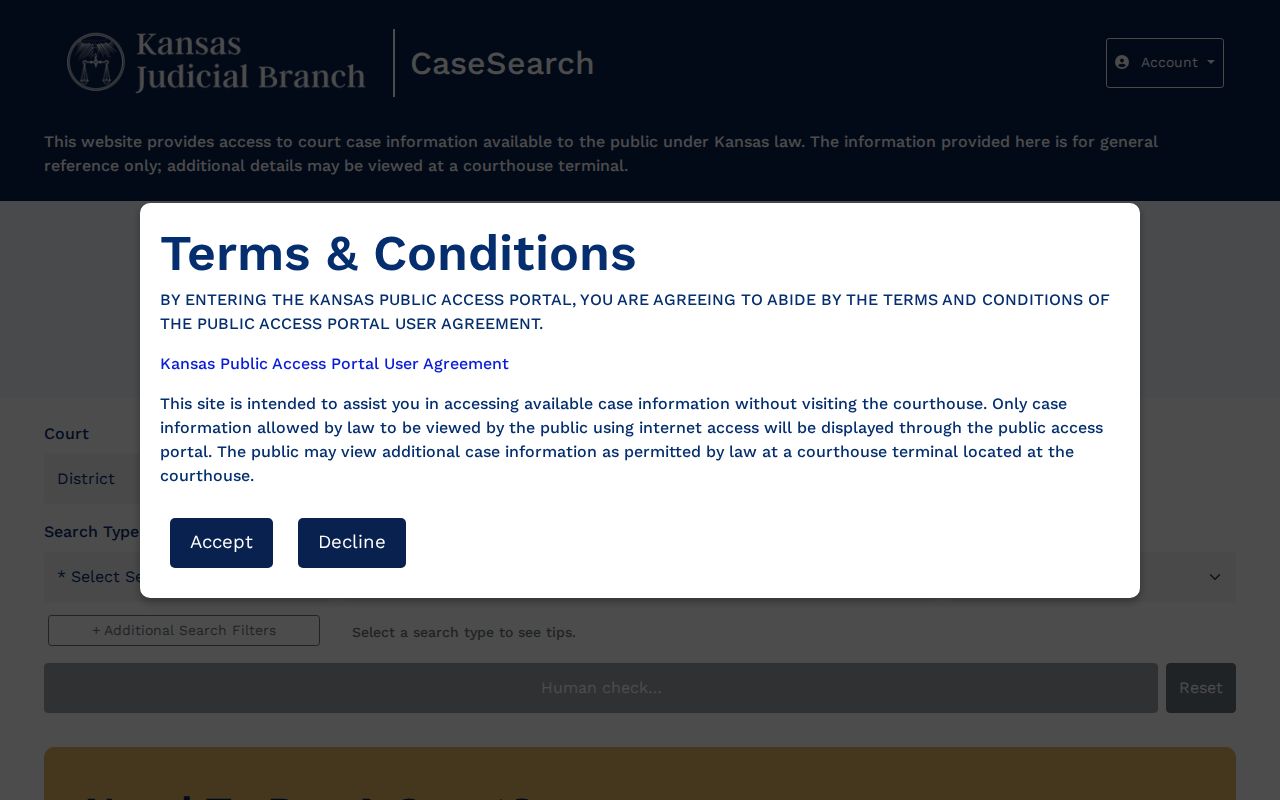
The portal view helps separate the public case-information service from eFlex and the other filing and payment systems.
Logan County Case Number Searches
Newer Odyssey case numbers follow the pattern LG-YYYY-TYPE-######. The “LG” marks Logan County. The four digits give the filing year. The type segment names the case class, and the final digits are the sequence. Older records can carry year-first forms, which the official search guide illustrates. Keep every letter, zero, and separator exactly as the notice or pleading shows them. If the exact form fails, try the guide's accepted form. Or ask the clerk to translate the legacy number.
A number search usually beats a name search because it points to a single file. Confirm the county and case type anyway. A municipal citation number may land you in a city court rather than the district docket. The Central Payment Center only handles payment and status rather than the full events view.
When Logan County Search Fails
The portal can stall at a human-verification screen. It can also leave out eligible material that a courthouse terminal shows. The public terminal inside the Logan County Courthouse, 710 W. 2nd Street in Oakley, is your best bet. It is the strongest fallback. Call the Clerk of the District Court at 785-671-3654 before you drive over if the case number or court level is unclear.
A missing online result is not proof that a case was never filed. Conversion dates, access rules, spelling, court level, and search filters can all affect what appears.
Written requests can go by mail, by hand, or by email to the clerk where the case was filed. The 15th District does not publish a Logan request email, so call ahead for the current destination. Oakley ordinance cases begin with the municipal clerk. Winona and Russell Springs post no court portal. Their city offices are the first stop for routing a municipal matter.
Logan County District Record Limits
An official Kansas district court records explainer lays out the difference between internet access, courthouse terminals, and filed documents.
That distinction explains a common puzzle. A public event can appear in Logan County results even when its document image cannot be opened online.
Logan County Case Search Results Explained
A result row is only the start of reading a docket. The detail view can show a lot. It lists the court and location, case number, caption, case type, filing date, status, parties, attorneys, judicial officer, financial summary, and a dated events index. Each event entry may mark a filing, hearing, order, continuance, disposition, or other court action. Kansas Rule 22 calls this material the “public case record” and the “events index.”
Not every event has a viewable image, though. A public entry can point to a blocked document. The reason may be an Odyssey conversion date, a case-type restriction, redaction, or a court order. The clerk can explain the proper request path.
| Case Number | Local identifier, often in LG-YYYY-TYPE-###### form. |
|---|---|
| Caption | The public case style or party labels. |
| Case Type | Criminal, civil, domestic, probate, traffic, or another district class. |
| Filed Date | The date the clerk opened the case. |
| Status | Current open, closed, or disposed state as recorded. |
| Events | Dated filings, settings, orders, and outcomes that are public. |
Logan Events Without Images
An event on the docket and the paper behind it are different things. CaseSearch can tell you a motion or order exists without showing a picture of it. A browser printout is informational only. Need a plain copy, a certified copy, or a look at an eligible attachment? Alison Little's Logan district clerk office handles those requests.
The difference matters when you must prove a date or a result. Pull the event title and date from the public list, then ask the clerk to quote any copy, preparation, delivery, or certification charge. The Logan County court records page walks through the file-copy route in full.
CaseSearch Application Behind the Portal
When the main address redirects or shows its verification gate, the same public form may appear at the CaseSearch application origin.
Use the Kansas courts public address as your way in. The application host sits behind it as one piece of the same state service, so treat it as a step in the Logan County docket search rather than a separate county database.
Two Ways to Search Logan County
Logan County runs no case portal of its own. Kansas CaseSearch is the statewide front door, and it is also how you narrow a district court docket search to Logan. Locally, the courthouse terminal is the access layer, and it may show eligible public court records the internet portal does not publish. Neither channel overrides a seal or any confidentiality rule.
| Statewide Portal | Logan County Access |
|---|---|
| Kansas district records across participating locations | Logan-filtered searches and the Oakley terminal |
| Free basic case details for guests | Potentially more eligible public material at the terminal |
| Best when location is uncertain | Best for a known Logan filing or portal gap |
Logan County Docket Terms
Kansas docket entries lean on short labels that need context. An "Event" is a dated action in the case index. A "Setting" is a scheduled hearing, and it is not always a trial. "Disposed" means the court recorded an outcome, though appeal or enforcement activity can still follow. "Continuance" moves a setting to a new date. A "Journal entry" is a written court filing. "Service" records delivery of process or notice.
- Events index
- The dated register of public case actions under Rule 22.
- Case status
- The court system's current open, closed, or disposed label.
- Public terminal
- A courthouse computer that can expose eligible records beyond the web view.
Read each term beside its date and neighboring entries. An old setting can linger after a reset. Check the newest entry first, then confirm with the clerk when attendance at a hearing matters.
Which Logan County Cases Stay Restricted
Kansas Rule 22 governs who may see district court case records. Some files stay off limits. Sealed cases, expunged cases, juvenile matters, adoptions, child-in-need-of-care files, and grand-jury material are among them. Even a public event can have personal identifiers blacked out. The Kansas Open Records Act does not pry open a record a judge has made confidential.
Want something restricted? You have to follow the path the court, a statute, or a court order allows. The public terminal is no workaround. Only part of a Logan County case may be protected. A written request can ask for the portions that are separate and open. If the clerk says no, ask which rule, statute, or order supports that call. And do not read anything into a missing name or event on the docket.
Limits on online documents are not the same as full case restrictions. Kansas may post a basic docket event yet hold back an attachment from remote view. Some older filings predate the document conversion Odyssey uses. None of that means the whole Logan County case is sealed. Ask the clerk about your options. You might inspect the item at the terminal. You might get a copy by written request. You might receive it after redaction. Give the case number, the event title, and the event date if you can. A precise request helps the clerk pull the exact court record. It also separates public content from protected content.
CaseSearch shows different detail depending on your access role. Guests get basic case lookup information free after accepting the terms and passing a human check. Authorized accounts tied to specific work may see more. Registering does not hand the public a key to confidential records. Court orders and Kansas access rules still rule. Searching a city ordinance case? Take that question to the municipal office itself. The Logan district clerk cannot certify a city file it does not keep.