
How Logan County Court Calendar Works
The district schedule is case-specific. Kansas CaseSearch may show hearing notices, events, or a settings block for a Logan County case. No official daily docket PDF, county calendar export, or stand-alone Logan settings form was found in the checked sources. That gap makes the case record and clerk, rather than a third-party calendar, the sound route.
A calendar entry may show only part of the needed detail. Courtroom, judge, time, case style, setting type, and export cadence were not published in a separate local interface. Treat a filed notice or order as stronger than an unsourced screenshot. Court staff can correct an incomplete or stale online event.
No Logan Daily Docket PDF
The absence of a published daily PDF does not mean the court has no schedule. It means the schedule must be read case by case. Search the events index first. If the date is absent or unclear, use the public terminal at the Logan County Courthouse or call 785-671-3654 with the case number.
The 15th Judicial District links to Kansas Self-Help as a Find a Hearing entry point, but the checked service did not expose a Logan-specific calendar with local search fields. Its assigned image comes from the official Kansas Self-Help service.
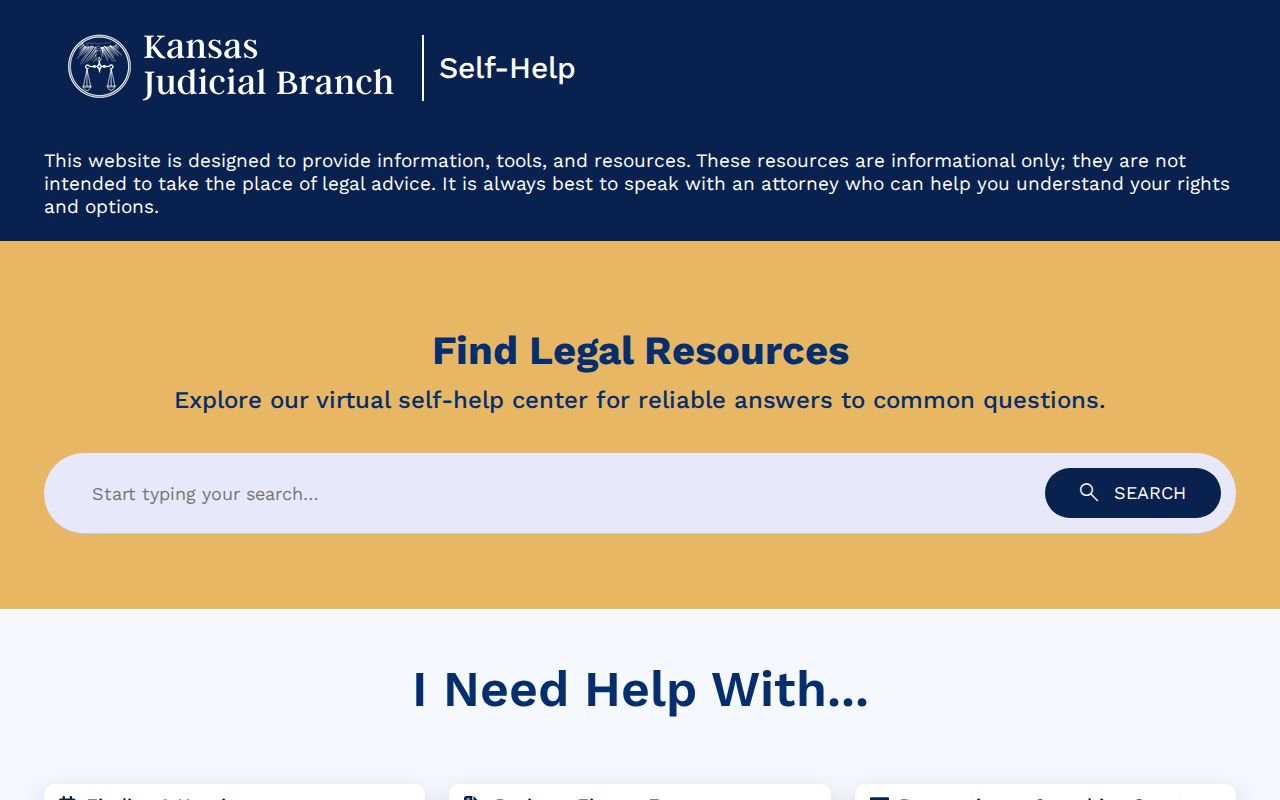
Use that service for procedural help, not as a replacement for a filed setting or direct clerk confirmation.
The courthouse terminal at 710 W. 2nd Street adds a second official record channel when the web view is incomplete. Bring the full case number and ask for the newest public setting event, including any later continuance or reset. The terminal may expose eligible public events or documents that CaseSearch does not publish remotely, but it does not override a sealed record or confidentiality rule. If the terminal and an older notice appear to conflict, call the Logan clerk at 785-671-3654 and ask whether the date was passed, canceled, or replaced.
Municipal settings require a separate check. Oakley publishes a recurring first-and-third-Wednesday session at 5 p.m., yet that schedule does not prove a particular citation is on the call. Confirm an Oakley appearance with the municipal clerk at 785-671-3611. No official public calendar was located for Winona or Russell Springs, so an ordinance matter starts with the relevant city office rather than the district case calendar.
Logan County Court Date Lookups
Begin at Kansas CaseSearch with the full case number. Confirm District court, Logan County, case class, caption, judge, and status. Read events from newest to oldest until the latest notice of setting, reset, hearing-held event, plea, trial, disposition, or order appears.
- Search CaseSearch by full number, or use name plus a narrow date range.
- Open the matched Logan case and find the newest setting or reset.
- Check any public notice for date, time, place, judge, and setting type.
- Use the courthouse terminal for eligible detail omitted online.
- Call the Logan clerk at 785-671-3654 when the date is unclear.
- Follow the filed notice and ask counsel or court staff to resolve conflicts.
Logan Hearing Reminder Limits
Kansas offers an official hearing-reminder service linked from CaseSearch. A reminder can help a participant track a known setting, but it does not create, cancel, or move a court date. The filed notice and current court confirmation control.
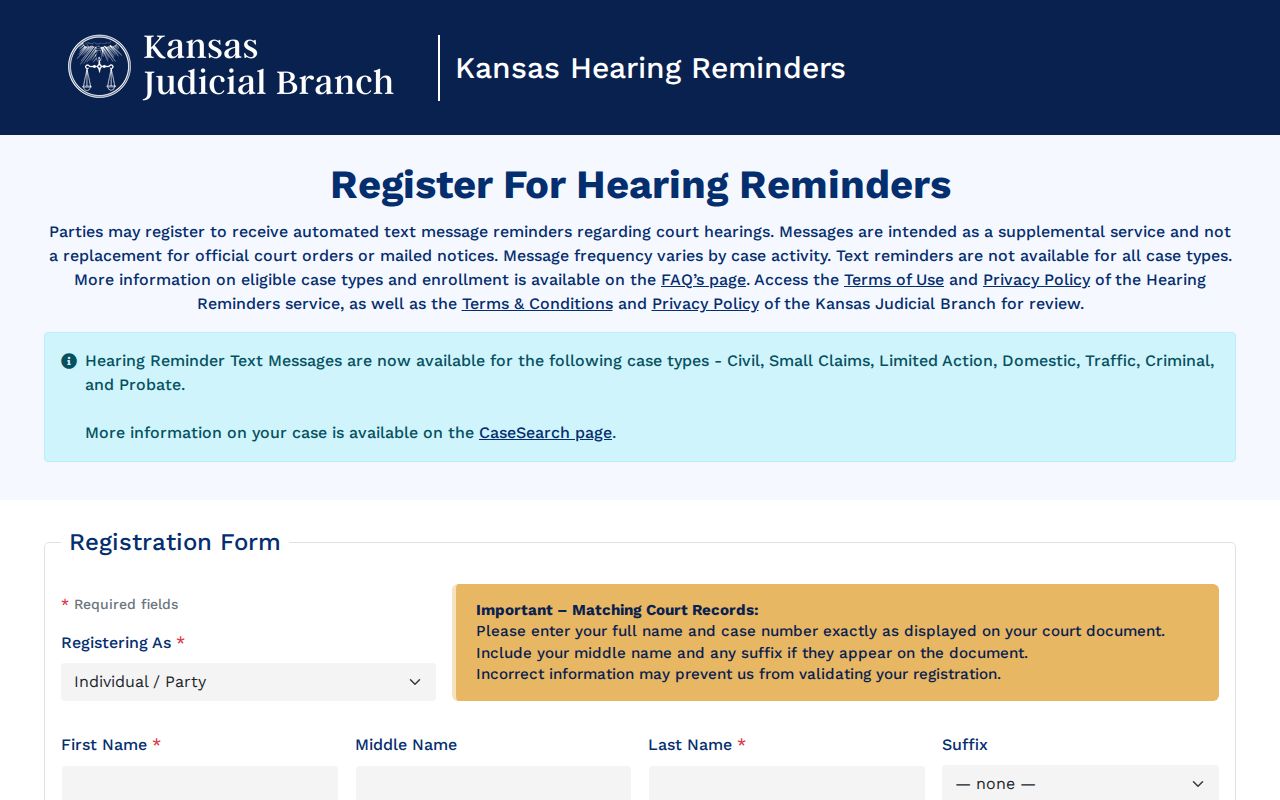
If a reminder conflicts with the docket, find the latest reset and contact the clerk. Do not assume silence from the reminder service means a hearing was canceled. No public Logan schedule feed or subscription export was found.
Court Settings: What Each Field Means
A usable Logan County court schedule entry ties a date to one court and one case. Read each field as a planned event, then look for a later event that changed it. Missing details should be marked as not displayed and confirmed, never filled from a generic court calendar.
| Date | The planned hearing date, subject to a later reset or order. |
|---|---|
| Time | The stated start time, which may be a call time rather than hearing length. |
| Place | Courtroom, courthouse, or approved remote method stated by the court. |
| Judge | The assigned or presiding judicial officer when the public entry shows one. |
| Setting type | Arraignment, motion, status, plea, trial, sentencing, review, or reset. |
Logan Court Setting Terms
The 15th District does not publish a Logan-specific code sheet. Plain Kansas terms still help readers follow the events index. An arraignment addresses the charge and plea. A preliminary hearing concerns probable cause in a felony where applicable. A pretrial or status conference handles case progress, while a motion hearing concerns a named request.
Plea or announcement: a scheduled update or possible disposition, not a trial.
Trial: a jury or bench setting that still must be checked for a reset.
Sentencing or review: a later stage after a plea or judgment.
Continuance or reset: a later date that replaces or postpones an old setting.
These definitions describe common court use. The exact local label was not confirmed through a published Logan legend, so the wording in the actual event remains controlling.
When a Logan Court Date Moves
A reset normally appears as a later notice, continuance, or event. The old setting stays in history, so the first date on screen may be obsolete. Start with the newest entries and look for both the former date and replacement. A hearing-held event, plea, disposition, or later order may also explain why no future setting remains.
No Logan-specific weather closure page, holiday-reset rule, standing remote order, or public Zoom link was found. For an imminent setting, check the 15th District’s official notice path and call the courthouse. Never infer remote permission from another county’s link. Court staff should resolve a conflict between the portal and a filed notice.
The jury-status practice shows why direct confirmation matters. The 15th District instructs Logan jurors to call the courthouse after 5:30 p.m. on the evening before service. That status line is not a general daily docket, yet it shows that last-minute court information may come from the same local phone rather than a public calendar feed.
Logan District and City Schedules
District settings are tied to an individual case. Oakley Municipal Court instead publishes a recurring session rhythm: first and third Wednesday at 5 p.m. at City Hall, 415 W. 2nd. That schedule does not prove that any one citation is set on a given session. Confirm with the municipal clerk at 785-671-3611.
No official public municipal calendar was located for Winona or Russell Springs. Begin with the relevant city office for an ordinance matter. A district clerk can explain whether an appeal has gained a Logan District Court number, but the clerk does not certify the city’s original municipal schedule.
The assigned judicial page image comes from the 15th Judicial District.
Judge assignments help verify a docket entry, but the current setting still comes from the case record and court.
Logan Calendar Authority Check
Use a clear order of authority when sources disagree. A current filed notice or order comes first. Direct confirmation from the court can resolve a stale portal event. CaseSearch supplies public history, while reminders and general self-help links are secondary aids. An unofficial screenshot should not control attendance.
Before travel, write down the case number, date, time, court, place, judge, and setting type. Mark any field the portal does not display. Ask the clerk for those missing or conflicting items. This focused check reduces the risk of confusing a past setting with the next required appearance.
Missed Settings and What Comes Next
Act at once. Check the newest docket event, save the case number, and call the clerk for the present status and next lawful step. Contact an attorney if represented. Court staff can give scheduling information but cannot provide legal advice or promise that a judge will grant a new setting.
Missed a setting? Consequences depend on the case and court, so do not rely on an old calendar entry or simply appear without instructions.
Call the court that set the matter, ask what the current record shows, and speak with counsel about the proper response.
For a district case, use 785-671-3654. For an Oakley municipal matter, use 785-671-3611. Winona and Russell Springs ordinance questions start with their city offices. If the docket later records a new date, verify every field before attending.
A missed setting does not automatically reveal its consequence through the first event displayed online. Later entries may show an order, warrant-related action, bond issue, new setting, or another response, depending on the case. Do not guess from a blank field. Ask the court what the public record shows and obtain legal advice about how to proceed.
Keep a note of the call time, staff routing, and any instruction to contact a courtroom or attorney. Then recheck the Logan County court schedule for a filed update. A phone answer helps with current logistics, while the events index preserves the formal history. Both are useful, but neither should be altered by an optional reminder message.